Services & Rates
Updated Oct 18, 2026
Overview
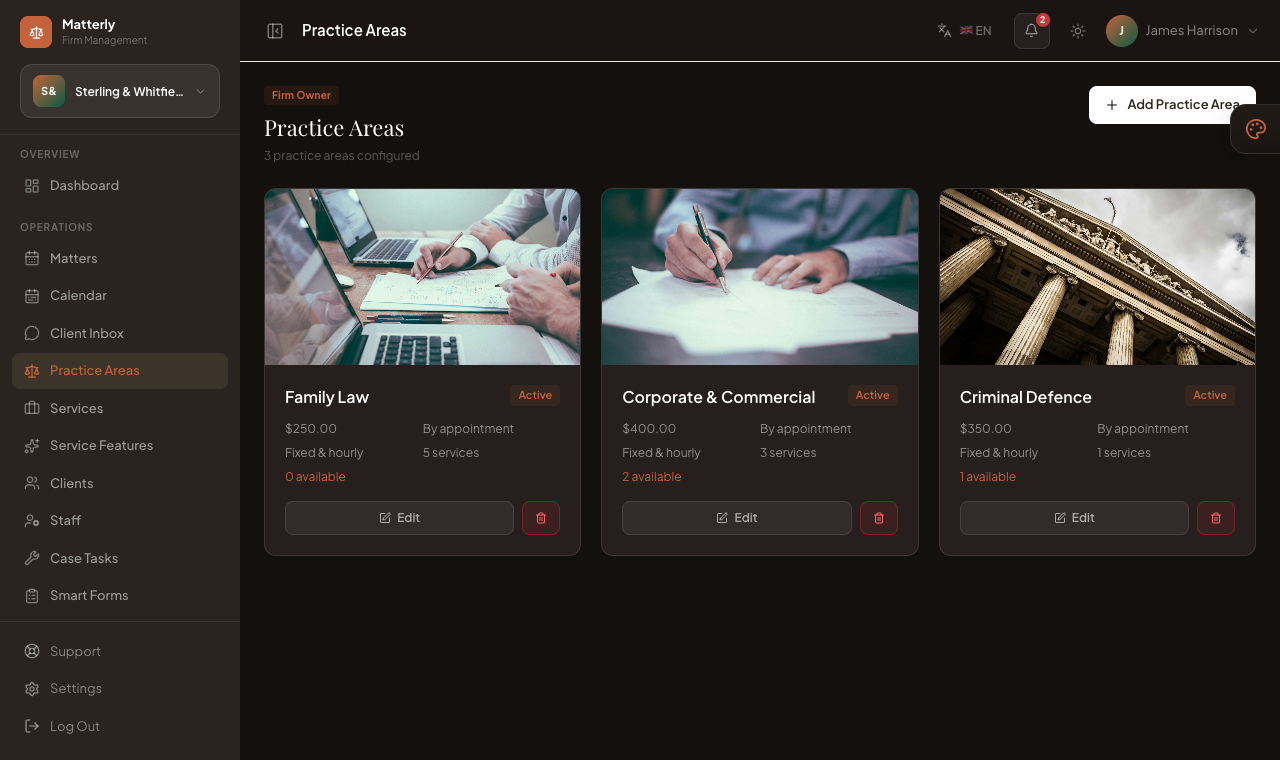
Practice Areas (/admin/practice-areas) defines the areas of law your firm offers and the consultation fee for each. They appear on your firm website and in the consultation booking flow.
Features
- Create, edit and remove practice areas
- A consultation fee per practice area
- Photos for the website, with a chosen cover image
- AI-written descriptions (Generate with AI)
- An Active switch to show or hide a practice area from clients
Forms
| Field | Description |
|---|---|
| Name | e.g. Family Law, Corporate & Commercial |
| Description | What the practice area covers, written for clients |
| Consultation fee | The default fee charged when a client books a consultation |
| Photos | Images for the website (save the practice area first, then add photos) |
| Active | When on, clients can see and book this practice area |
Workflow
- Create each practice area with its fee and a short description.
- Add photos and pick a cover image.
- Publish website pages that feature these practice areas.
Best Practices
- Use names clients recognise, not internal codes.
- Review fees periodically and re-check the public site afterwards.